One Color Picker
to master color
Full featured. $7.99 one-time purchase.
Color Picker
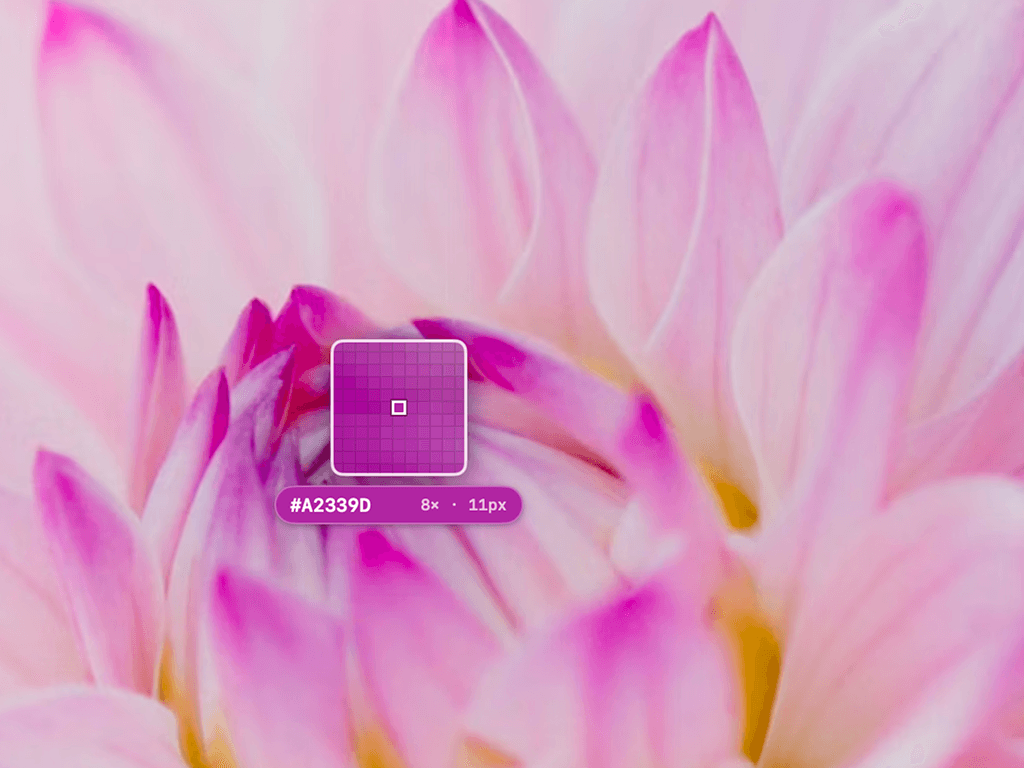
Activate the magnifier loupe with ⇧⌘C from anywhere on your Mac.
- •Zoomed pixel grid with adjustable magnification (4× to 16×)
- •Field of view from 7 to 21 pixels
- •Arrow keys for pixel-perfect movement, hold for 0.25px precision
- •Scroll to adjust zoom on the fly
- •Falls back to standard macOS sampler without screen recording permission
Color Editor
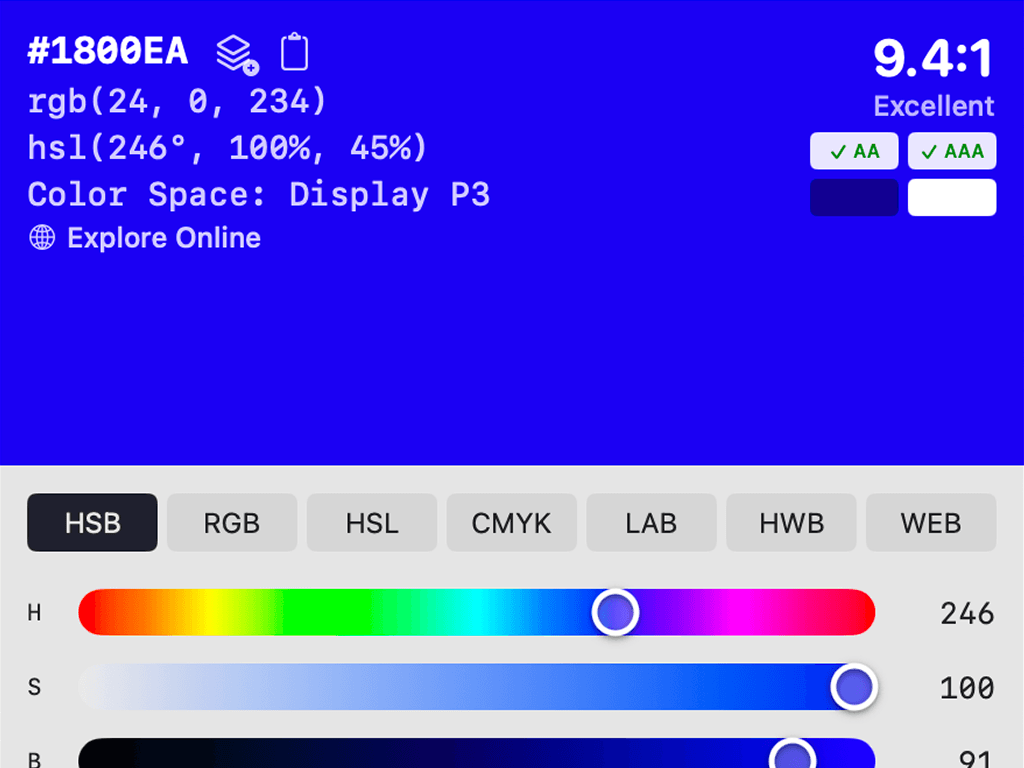
Live sliders across seven color modes with real-time preview.
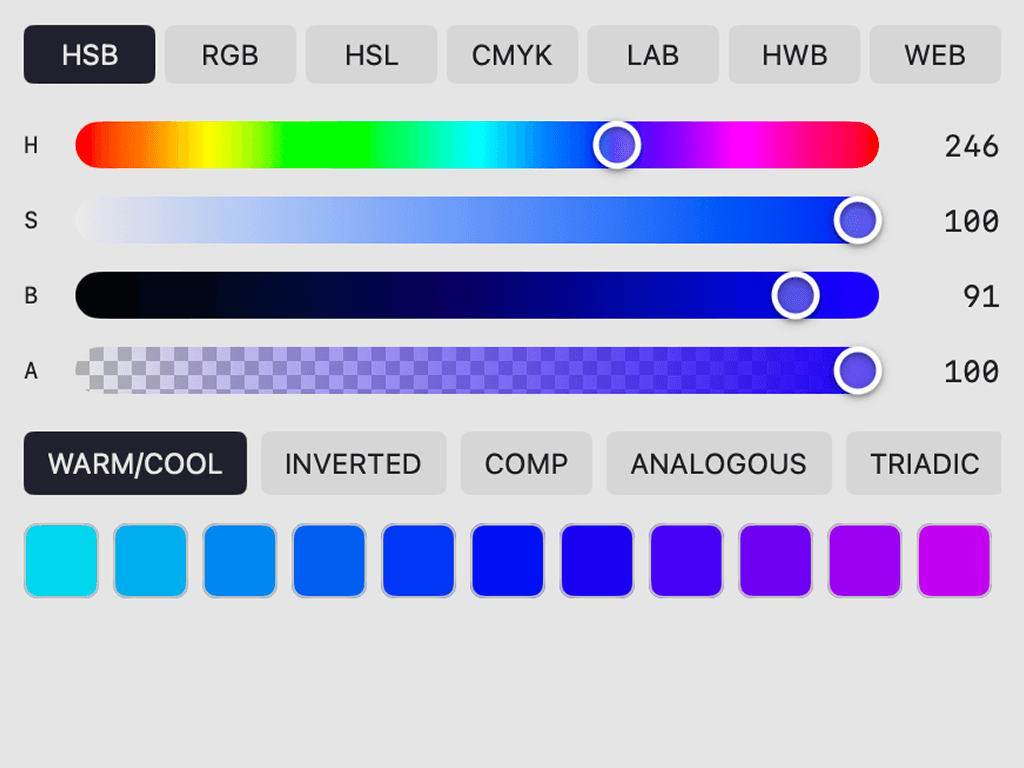
- •HSB, RGB, HSL, CMYK, LAB, HWB, and WEB modes
- •Live preview with hex value and contrast ratio
- •Type any color value directly — hex, rgb(), hsl()
- •Session history strip for recent colors
- •Undo/Redo any change
Color Modes
Work in the color space that fits your workflow.
- •HSB (Hue, Saturation, Brightness)
- •RGB (Red, Green, Blue)
- •HSL (Hue, Saturation, Lightness)
- •CMYK for print workflows
- •LAB for perceptual accuracy
- •HWB for intuitive adjustments
- •WEB for web-safe colors
Color Harmonies
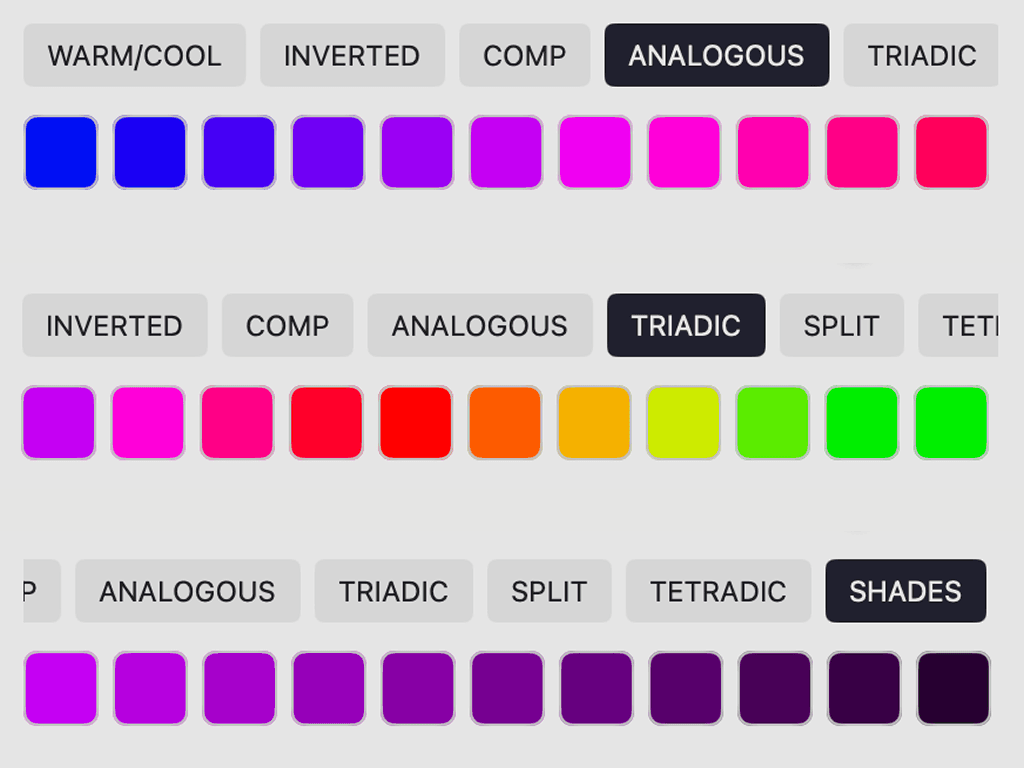
Generate harmonies from any color and keep exploring.
- •Warm/Cool variations
- •Complementary & Analogous
- •Triadic & Tetradic
- •Split Complementary
- •Shades, Tints & Tones
- •Inverted
- •Click any swatch to set it as your current color
Copy Formats
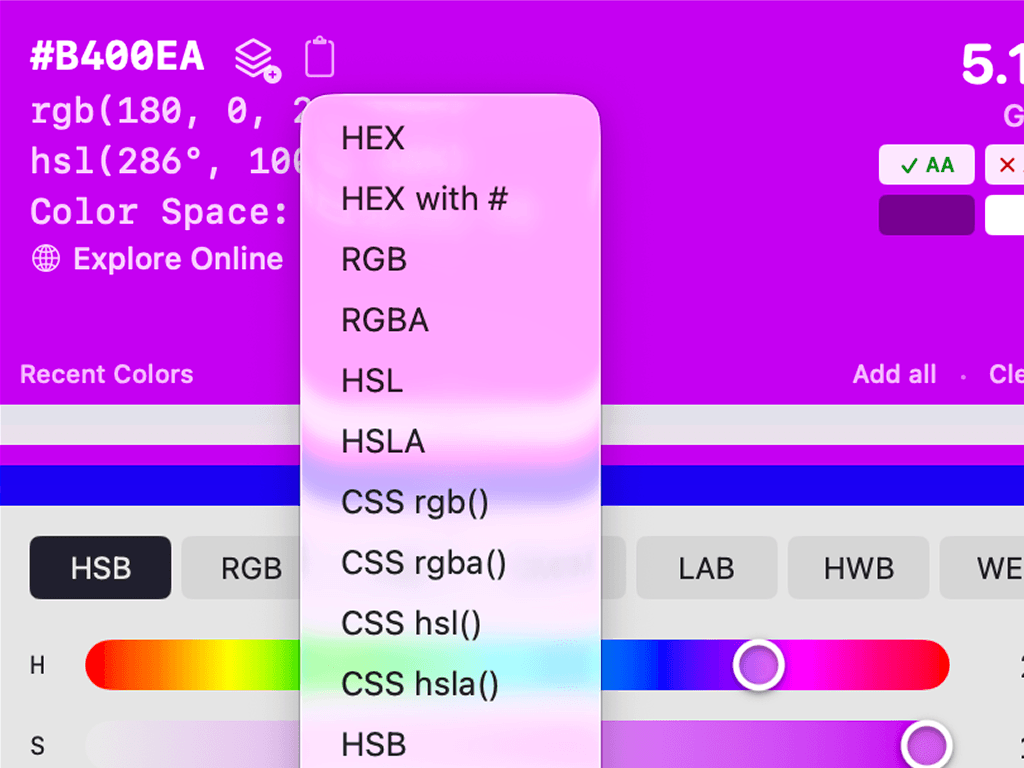
Copy your current color in over 20 production-ready formats with one click.
- •HEX, RGB, HSL, CMYK, CSS
- •SwiftUI, UIColor, NSColor
- •Android ARGB, XML, Kotlin Compose
- •Tailwind config, CSS/SCSS variables
- •Set a default format for auto-copy on pick
And More
Contrast Checker
Test your colors for WCAG compliance.
- •AA (4.5:1), AAA (7:1), and AA Large (3:1)
- •Test against your palette colors
- •Colors grouped by pass and fail
- •Suggests lighter/darker alternatives that pass
Inspire
Extract colors from images and generate themes.
- •Drop or paste any image
- •Auto-extract dominant colors
- •Generate Dark/Light themes from any color
- •Live card and button preview
- •Save generated themes as palettes
Palettes
Organize colors for all your projects.
- •Create unlimited palettes
- •Auto-detect duplicate colors
- •Add colors from pickycolors.com via URL scheme
- •Set an active palette across tabs
- •30-day trash with restore
Export Everywhere
Export palettes to production-ready formats.
- •JSON, CSS variables, SCSS variables
- •Swift extensions, UIColor, HEX list, RGB list
- •Adobe ASE, GIMP GPL, macOS .clr
- •Standard file dialog — you choose where it goes
Menu Bar
Quick access without cluttering your workspace.
- •Icon reflects your current color
- •Recent colors at a glance
- •Color picker shortcut
- •Keep-on-top toggle
Keyboard-First
Designed to keep your hands on the keyboard.
- •⇧⌘C to pick, ⇧⌘L to toggle loupe
- •⌘Z and ⇧⌘Z for undo/redo
- •Arrow keys for pixel-perfect movement
- •Scroll to zoom
Built for macOS
Native SwiftUI with SwiftData persistence.
- •Light and dark mode with custom theme
- •Minimal memory, zero CPU at idle
- •Compact 430px window, stays on top
- •macOS 14.0 or later
Color History
Never lose a color you picked.
- •Full searchable color history
- •Session history strip in editor
- •Recent colors in menu bar
$7.99 Forever
Pay once, own it forever. No subscriptions.
- •All features included from day one
- •Frequent updates with new features
- •Website integration via URL scheme
- •New export formats and color modes coming
- •Built by a solo dev who uses it daily
One-time purchase. No subscription.
All features included. $7.99 and it's yours forever.